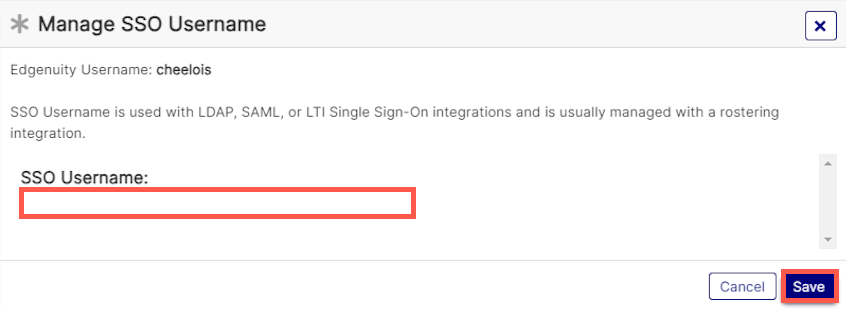
Use this page to manage an educator's SSO username. This action can only be taken using a single educator account at a time.
Permission
To follow the steps listed below, you must have "Manage Student SSO Username" checked under Student Accounts. Customers with SSO integrations where they roster their students either with a ClassLink, Clever, or other type of integration have this permission in their list, but schools that roster manually will likely not see it.
You must also have one of the following permissions:
- Can Send Educators Reset Password Email
- Can Get Temporary Passwords for Educators
- Change Educator Passwords
- Impersonate Educator
To validate your permissions, click here.
-
Access Manage Educators.
-
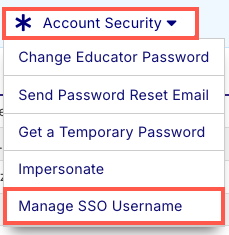
Select Account Security. Then click Manage SSO Username.
Note
Your action bar may look different based on your permissions.
- Enter an SSO Username and click Save.
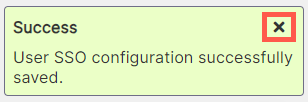
- A confirmation message displays. Click the X to close it.